

Business communications built for how your industry actually works
From insurance agencies to service teams, Lightspeed Voice adapts to your workflows, not the other way around.
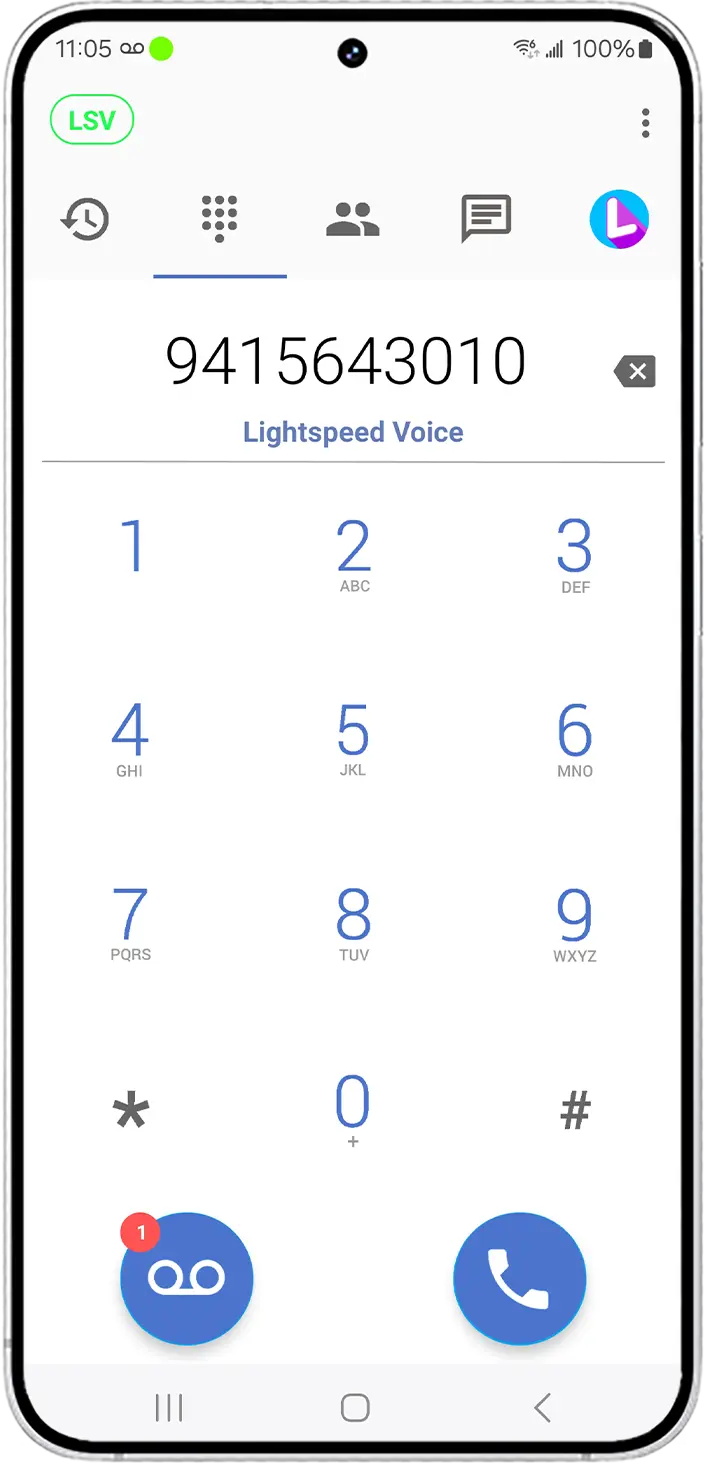
Get more value from
your tools
Every industry has unique communication needs.
Lightspeed Voice is built to fit the way you work.
Lightspeed Voice is built to fit the way you work.

Insurance
Keep your AMS in sync and log calls automatically.

Financial Advisors
Maintain consistent client communication with built-in tracking and insights.

Construction
Stay connected across job sites with mobile-ready communication tools.

Home Services
Dispatch faster and keep teams aligned in real time.
Healthcare
Improve patient communication with reliable, secure voice solutions.

More Industries
Work faster and smarter by integrating directly with Dropbox, right in the app.
Works With the Tools Your Business Already Uses


How it Works
Across Industries
Different industries. Different Challenges.
One platform that adapts to the way you work.
One platform that adapts to the way you work.

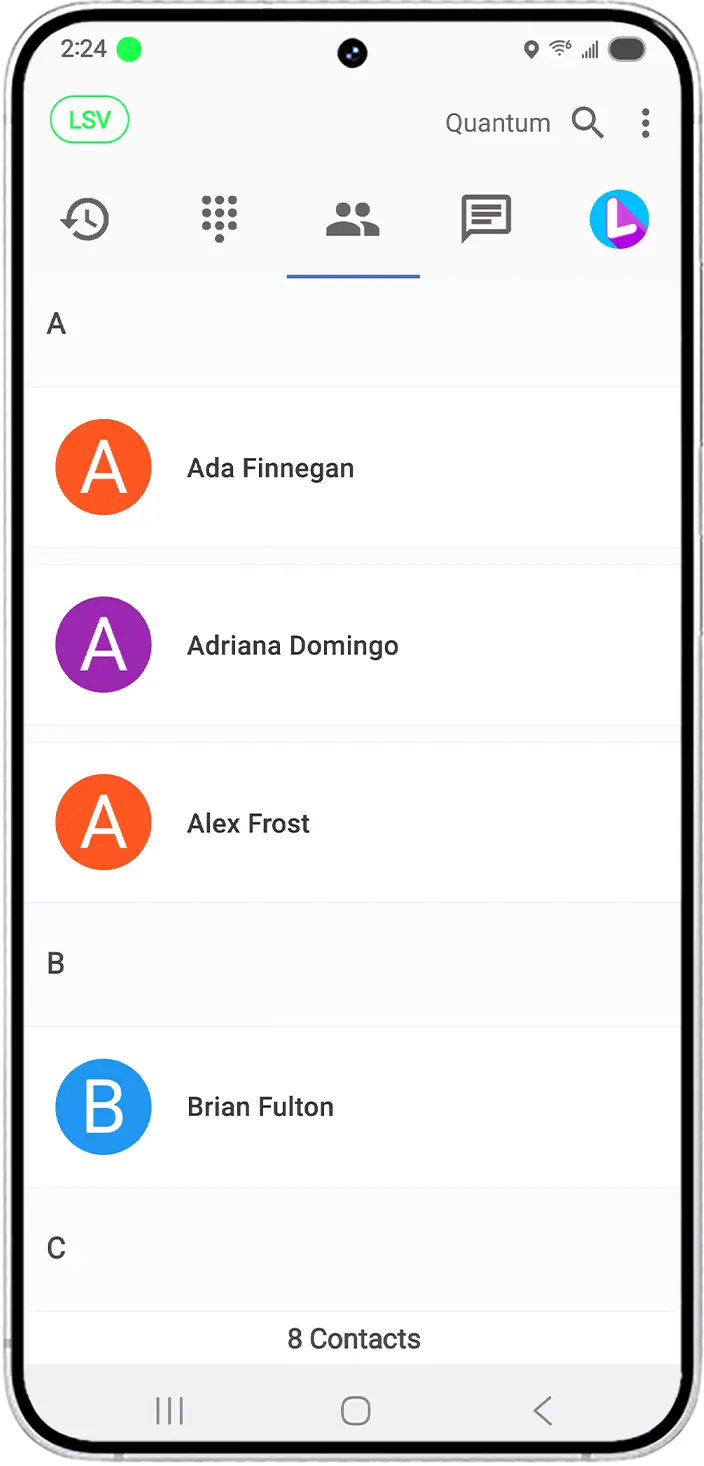
Call Logging & CRM Sync
Automatically log calls, texts, and voicemails and sync them with your CRM or software.
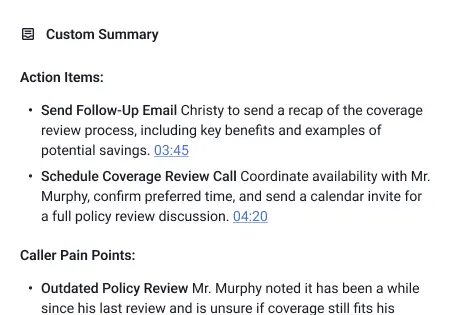
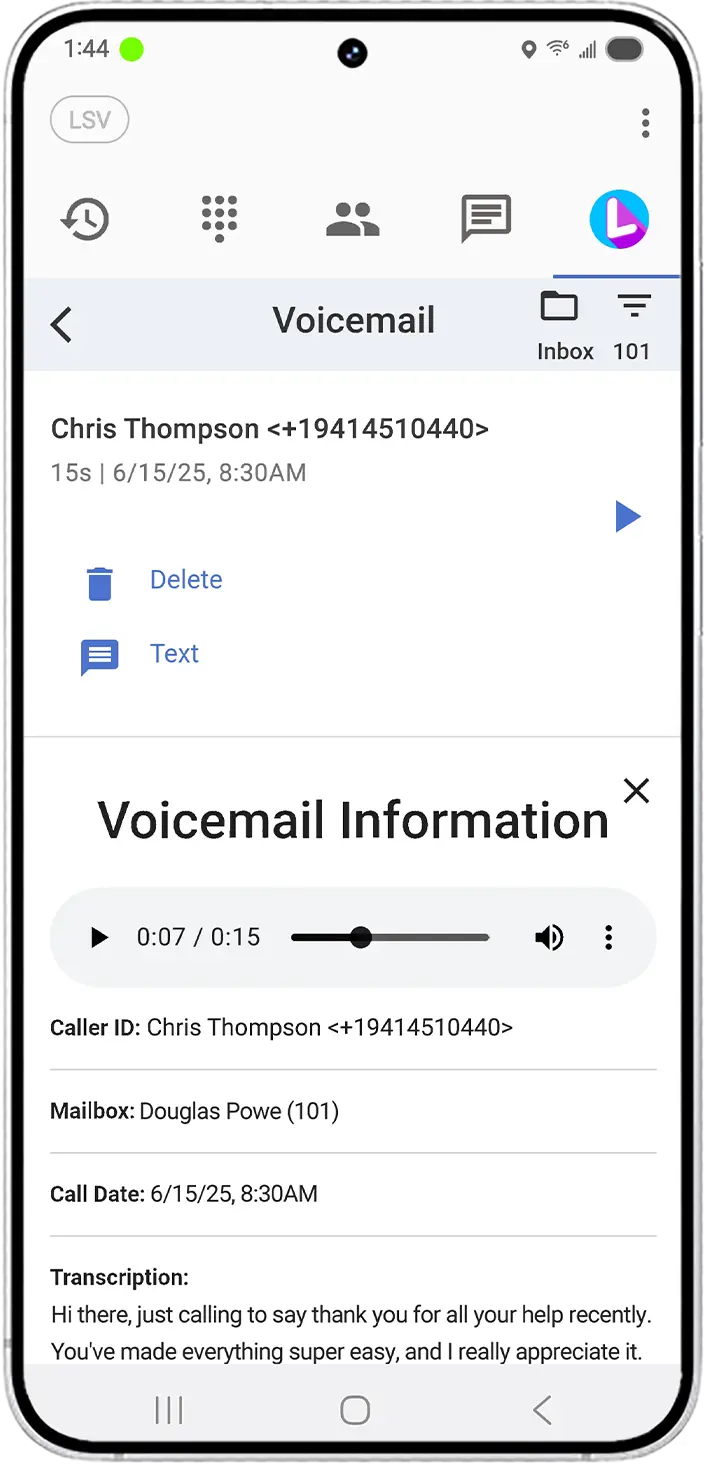
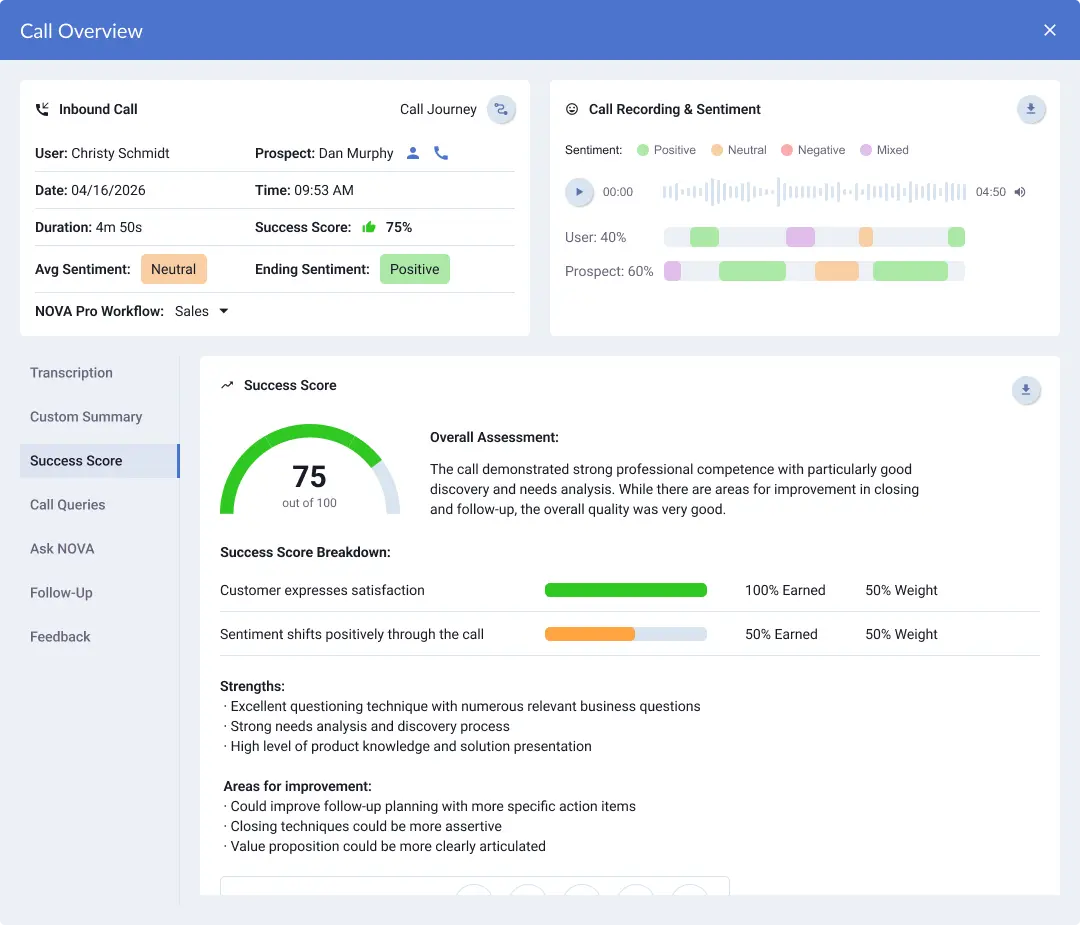
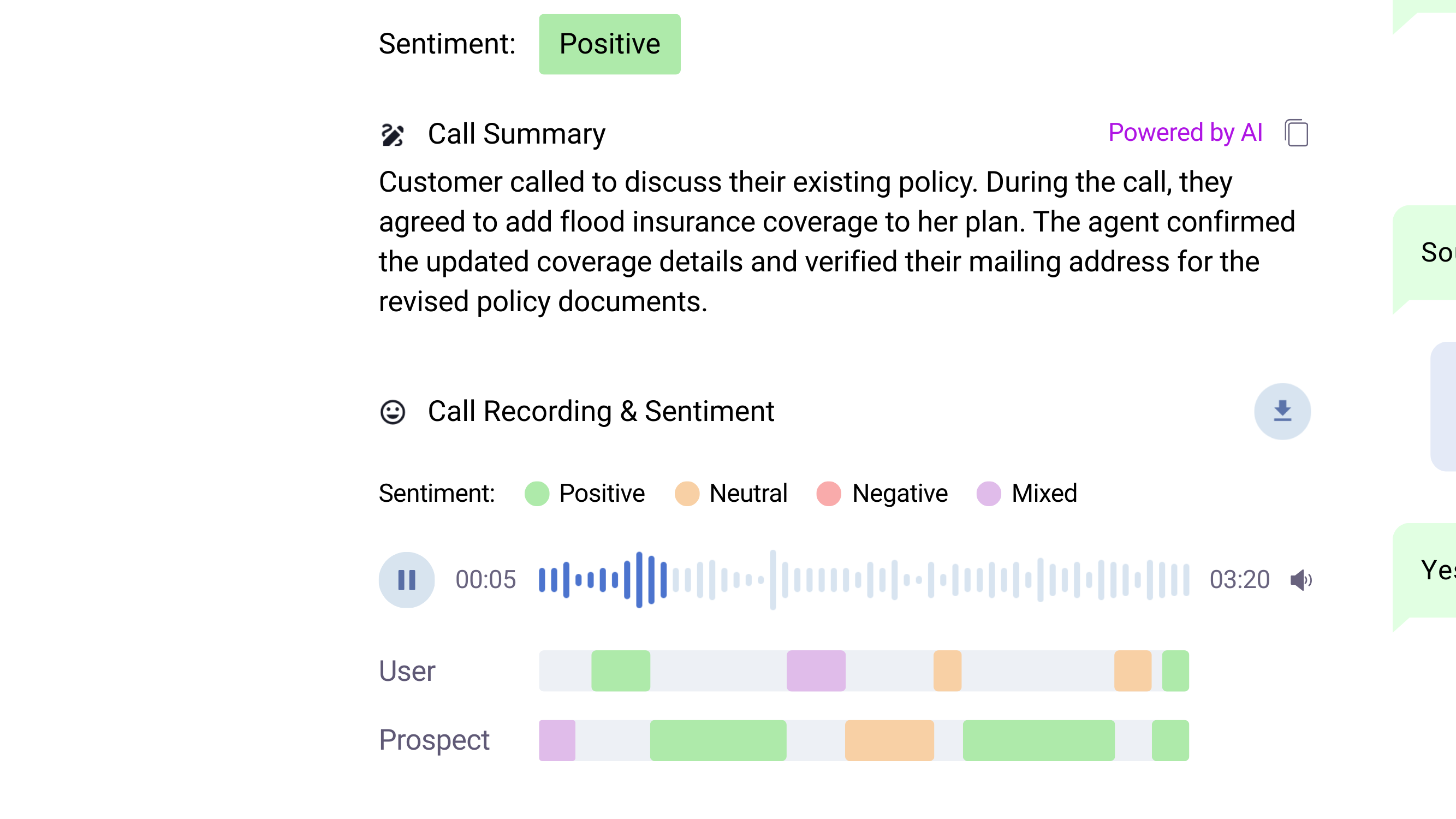
AI Call Summaries
Get AI-powered transcriptions, summaries, and sentiment insights to save time and close more deals.

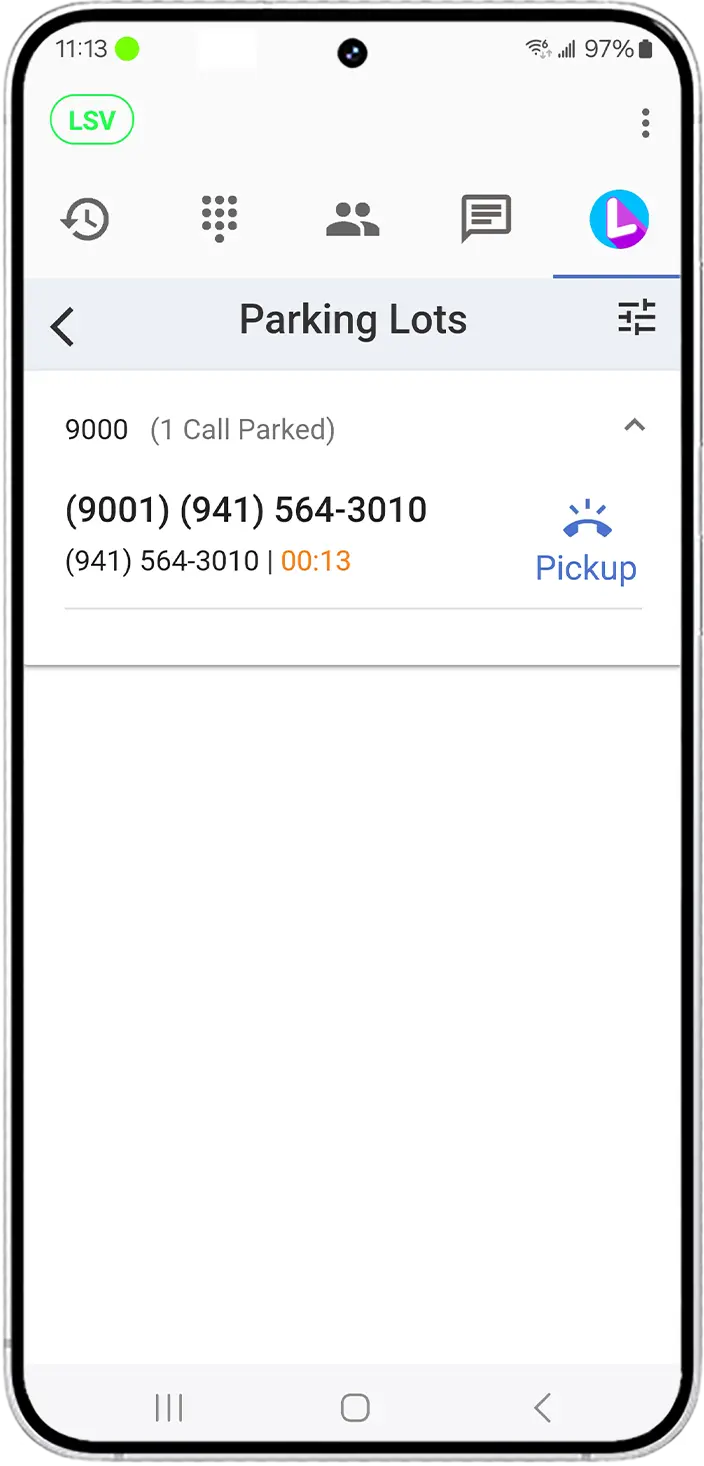
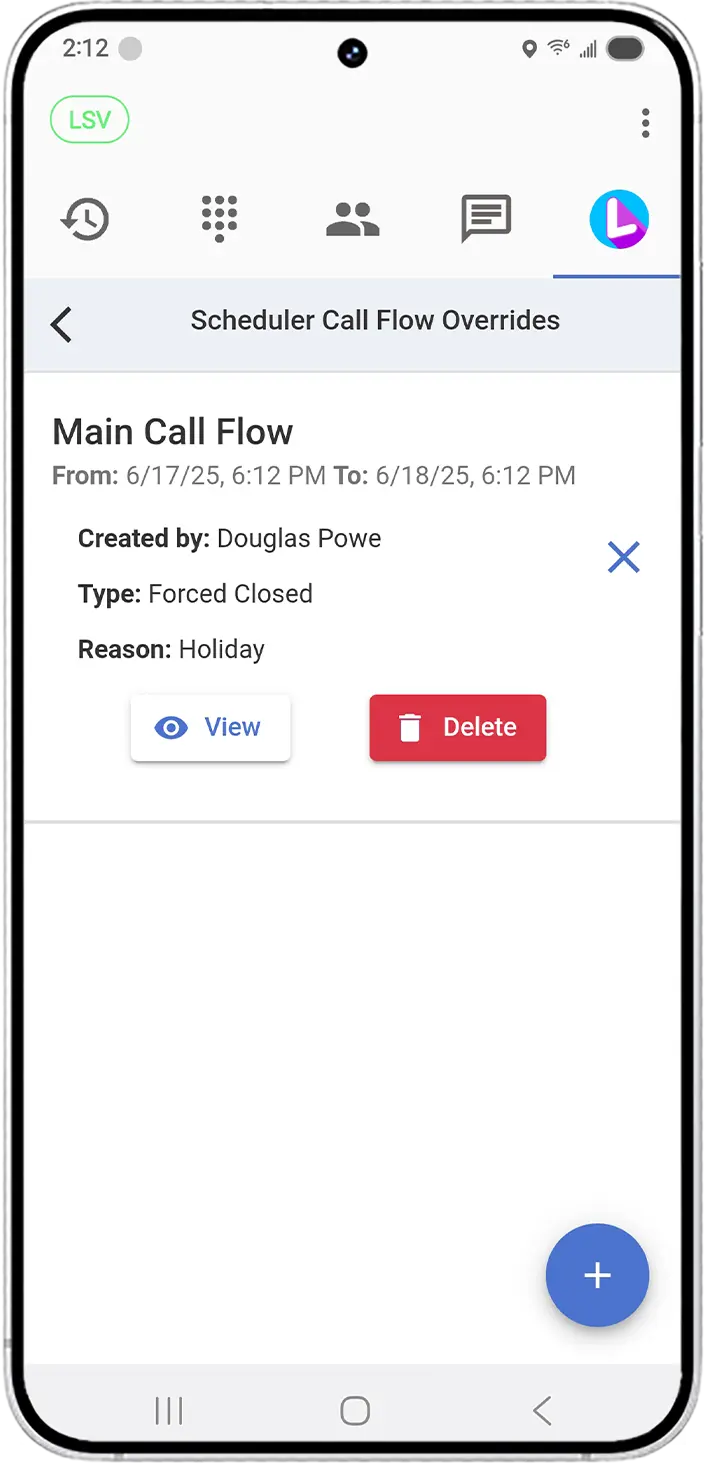
Mobile & Desktop Apps
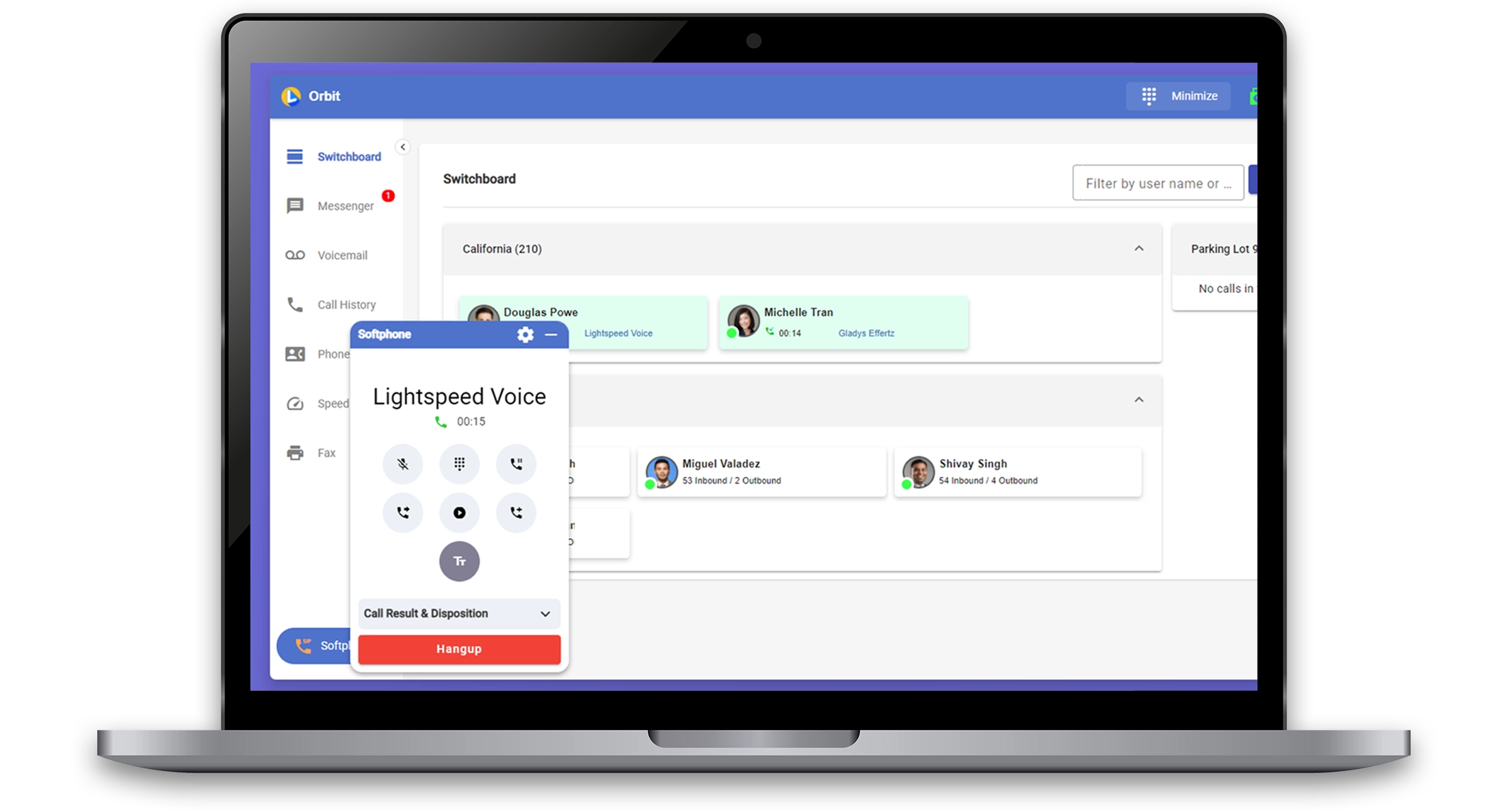
Stay connected from anywhere with powerful apps for desktop and mobile, built for teams in motion.
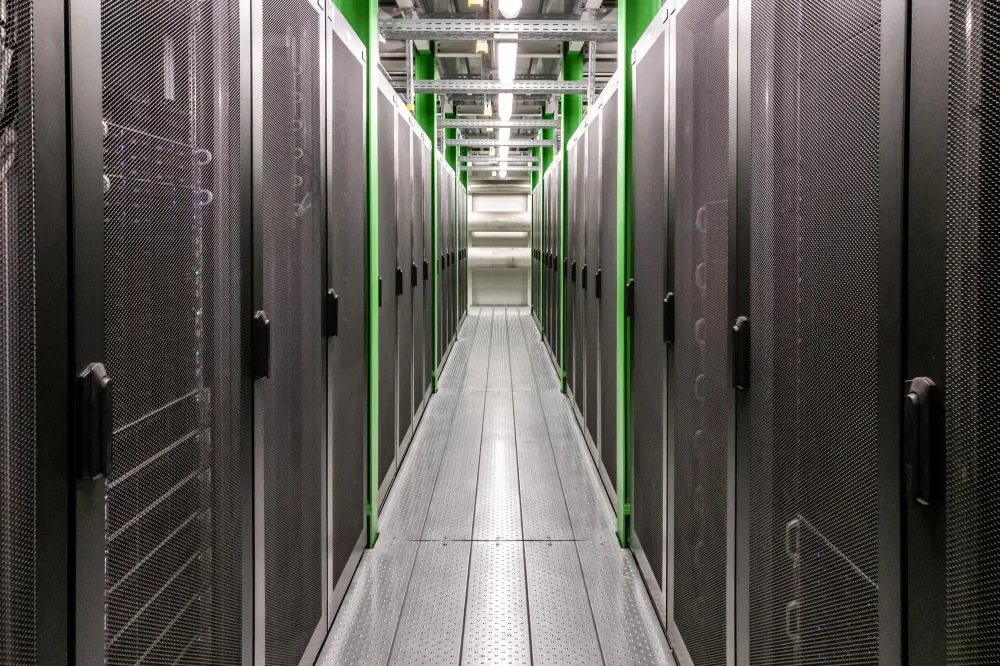
Reliable VoIP Infrastructure
Enterprise-grade reliability, crystal clear call quality, and security you can count on.
Powerful communication. Built for your industry.
See it in action with a personalized demo
NOVA AI Handles the Busywork
Your team should focus on customers and jobs,
not note-taking.
not note-taking.


Stay Ahead with Sentiment Insights
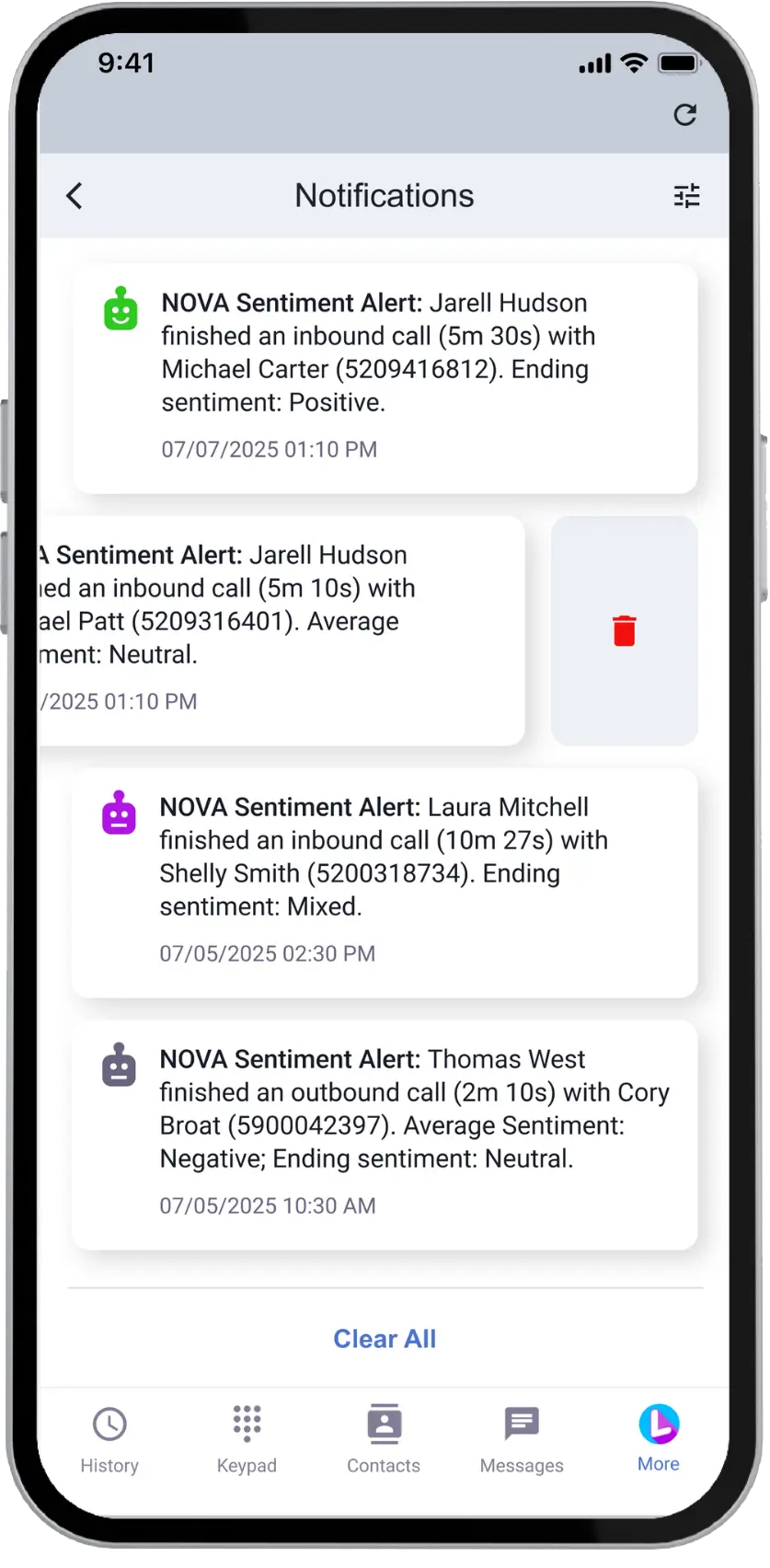
Spot risks, capture opportunities, and strengthen relationships with NOVA AI.

Spot Key Signals

Automatically detect sentiment trends and satisfaction drivers.

Know What to Address
Identify concerns before they impact client relationships.

Custom Success Score
Define what a successful call looks like for your business and track it automatically across every conversation.
Automatically Log Every Call to the Right Customer
NOVA updates customer records the moment a call ends, syncing key details into the tools your business already uses. No manual entry. No missed information.
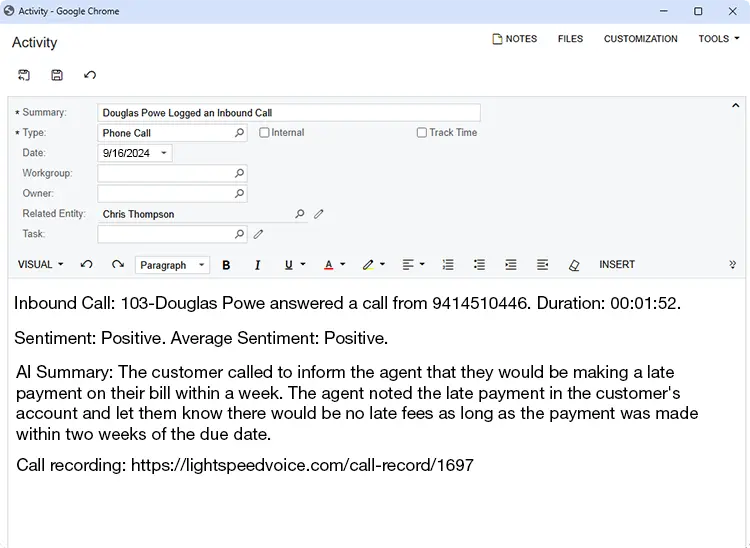
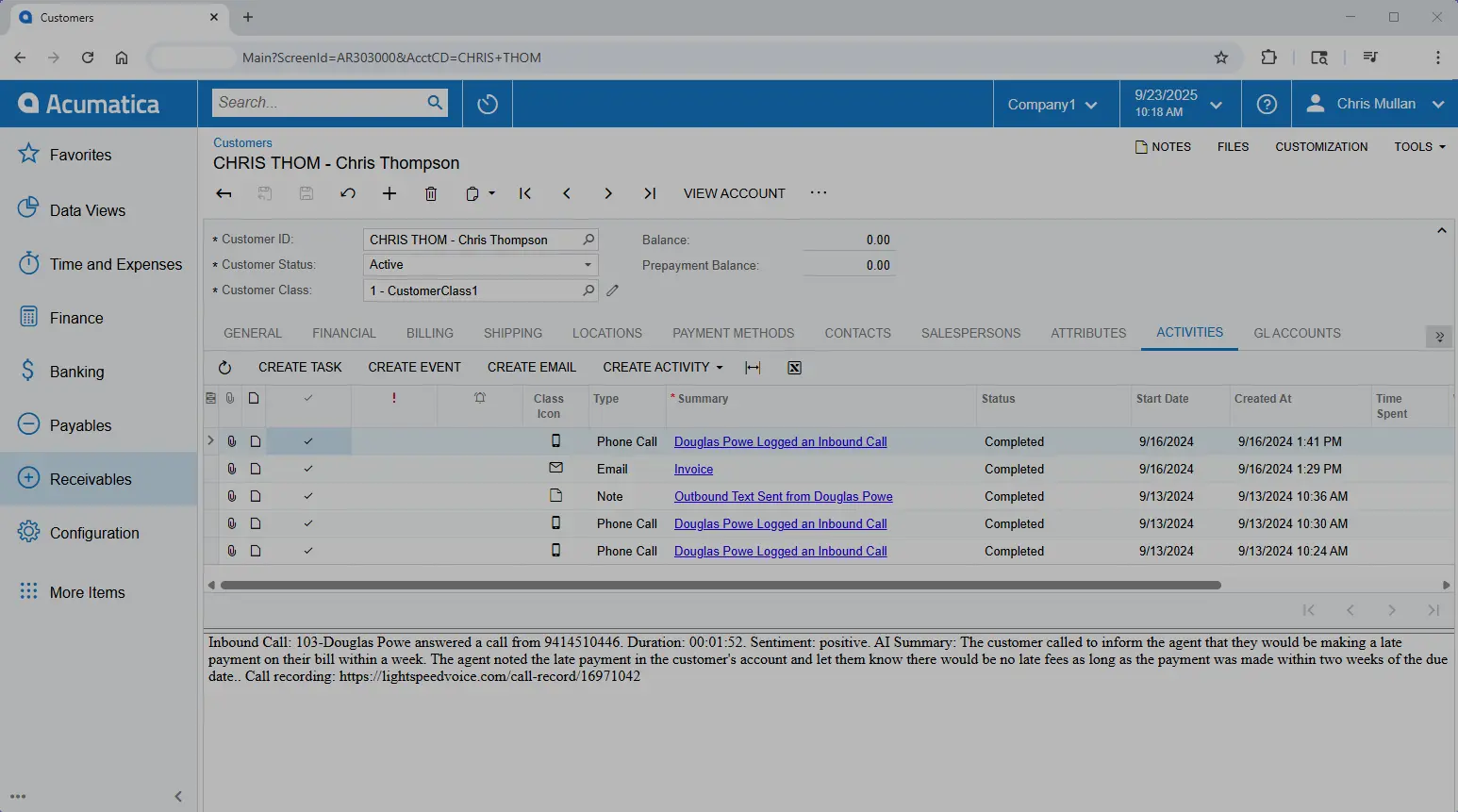
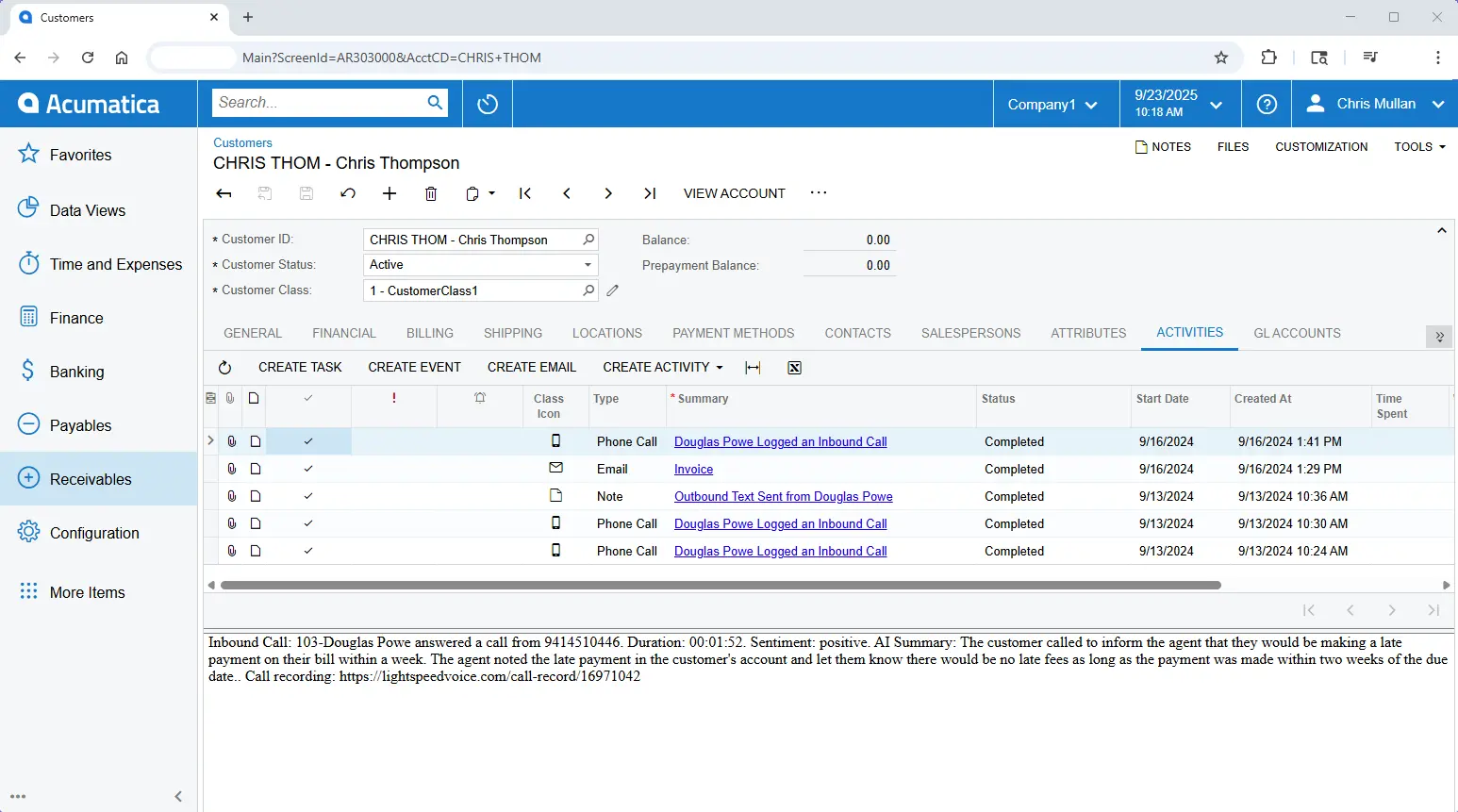
- Call summaries and sentiment tied to the customer record
- Call recordings attached with no extra steps
- Notes, follow-ups, and key details organized automatically
- CRM and ERP data kept accurate across teams


See how it works for your business
We’ll show you how Lightspeed Voice keeps your office and teams connected, streamlines job calls, and fits into your workflows.

Oops! Something went wrong while submitting the form.


